Cyberdyne Systems
Designing the Fetchbot dashboard and creating a prototype to help the team better understand the user experience.
Client
Cyberdyne systems
Year
2025
Time to read
4 minutes

Overview
The project
Cyberdyne systems offers assistive products such as Fetchbot, a home assistant robot for seniors and people with disabilities. My task was to design the Fetchbot dashboard and create and test a prototype with users.
Our main question was simple: How is the user experience of Fetchbot. I built the dashboard based on the requirements from the brief and tested a prototype in a controlled environment.
Industry
Robotics
My role
UX design
Prototyping & testing
Project type
Individual
Duration
2 weeks
The challenge
How it started
The task consisted of two parts. In the first part, I had five working days to design the Fetchbot dashboard.
In the second part, I also had five working days to create, set up, and test a prototype with six participants to understand the user experience.
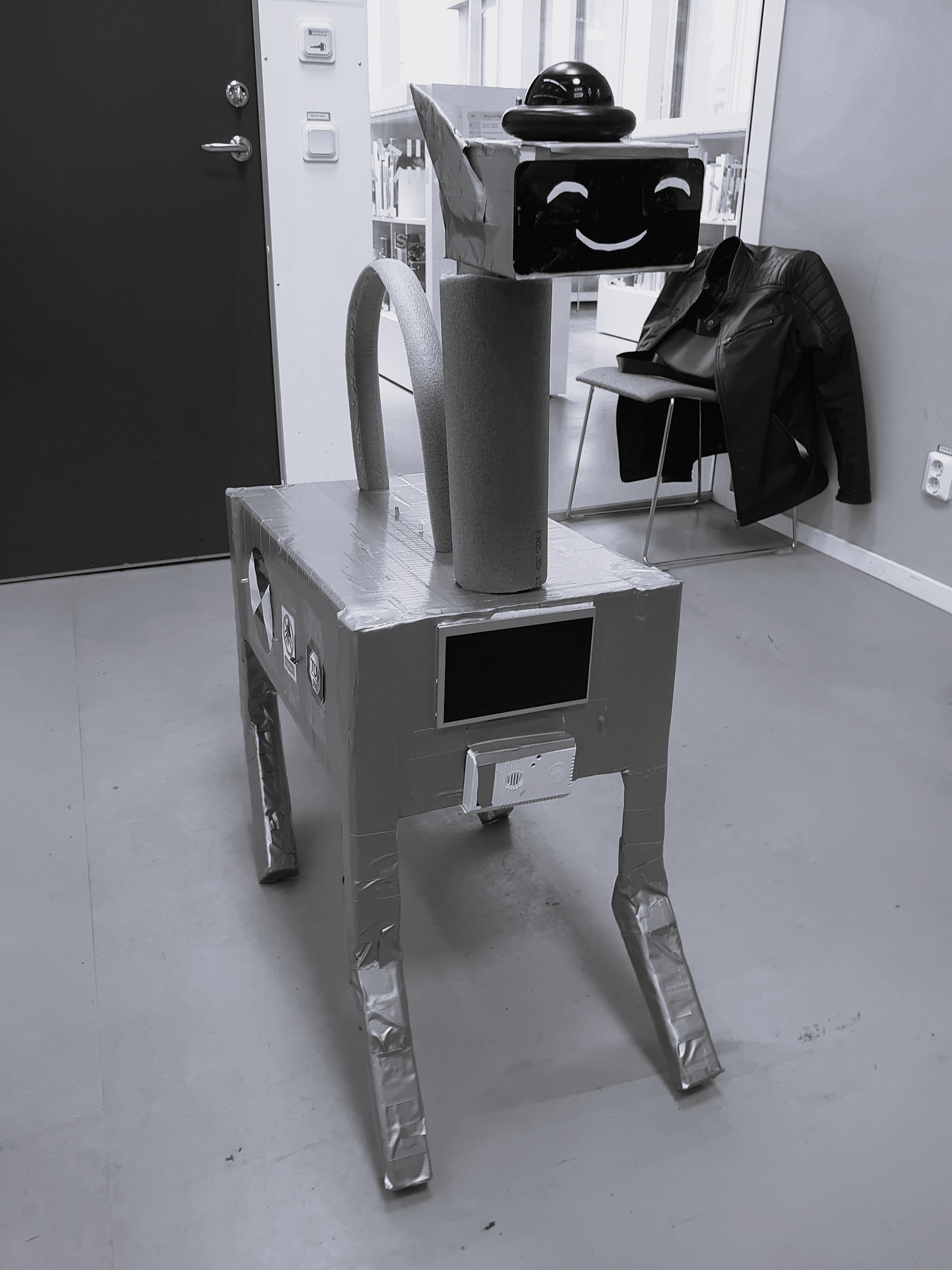
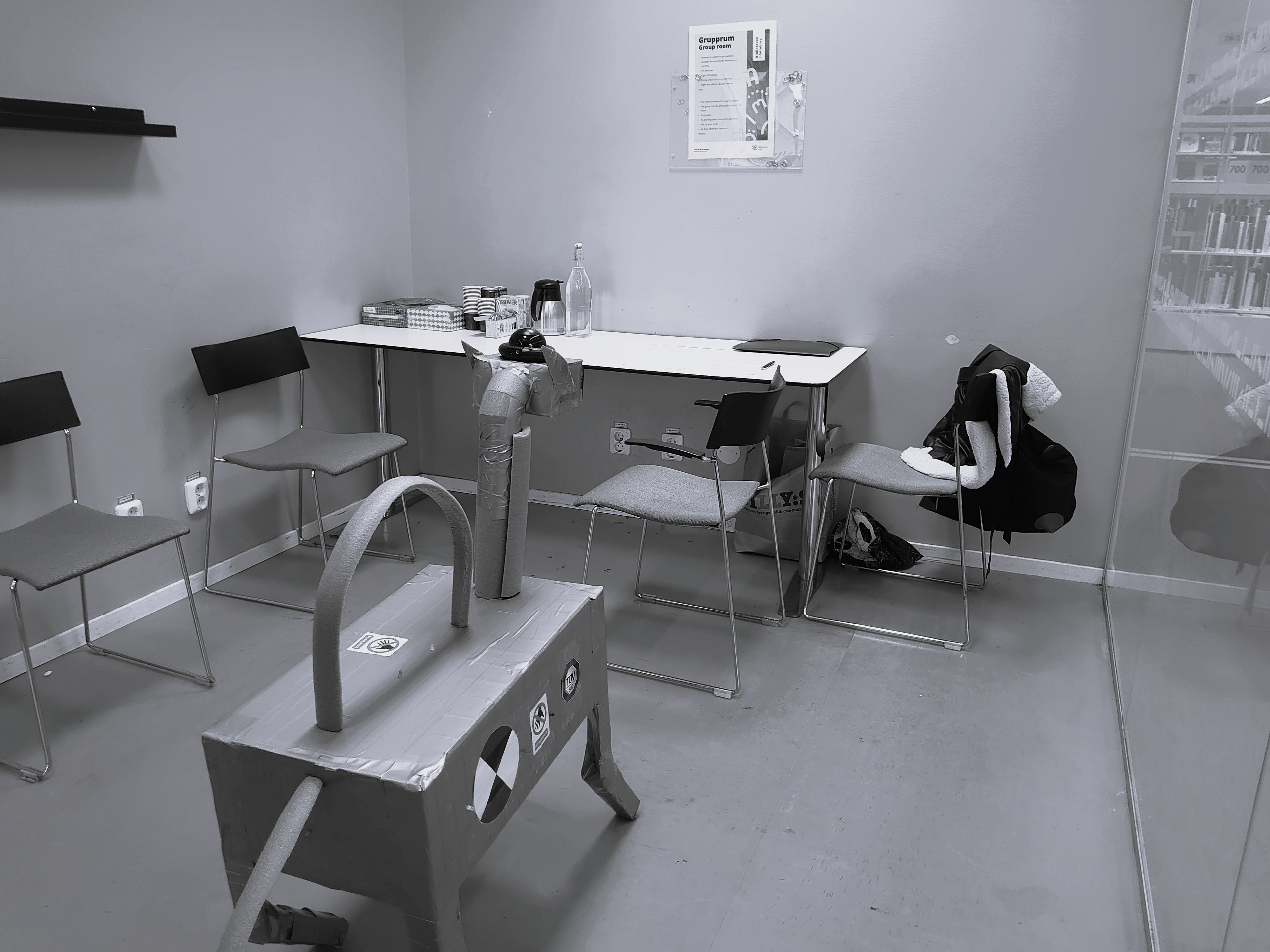
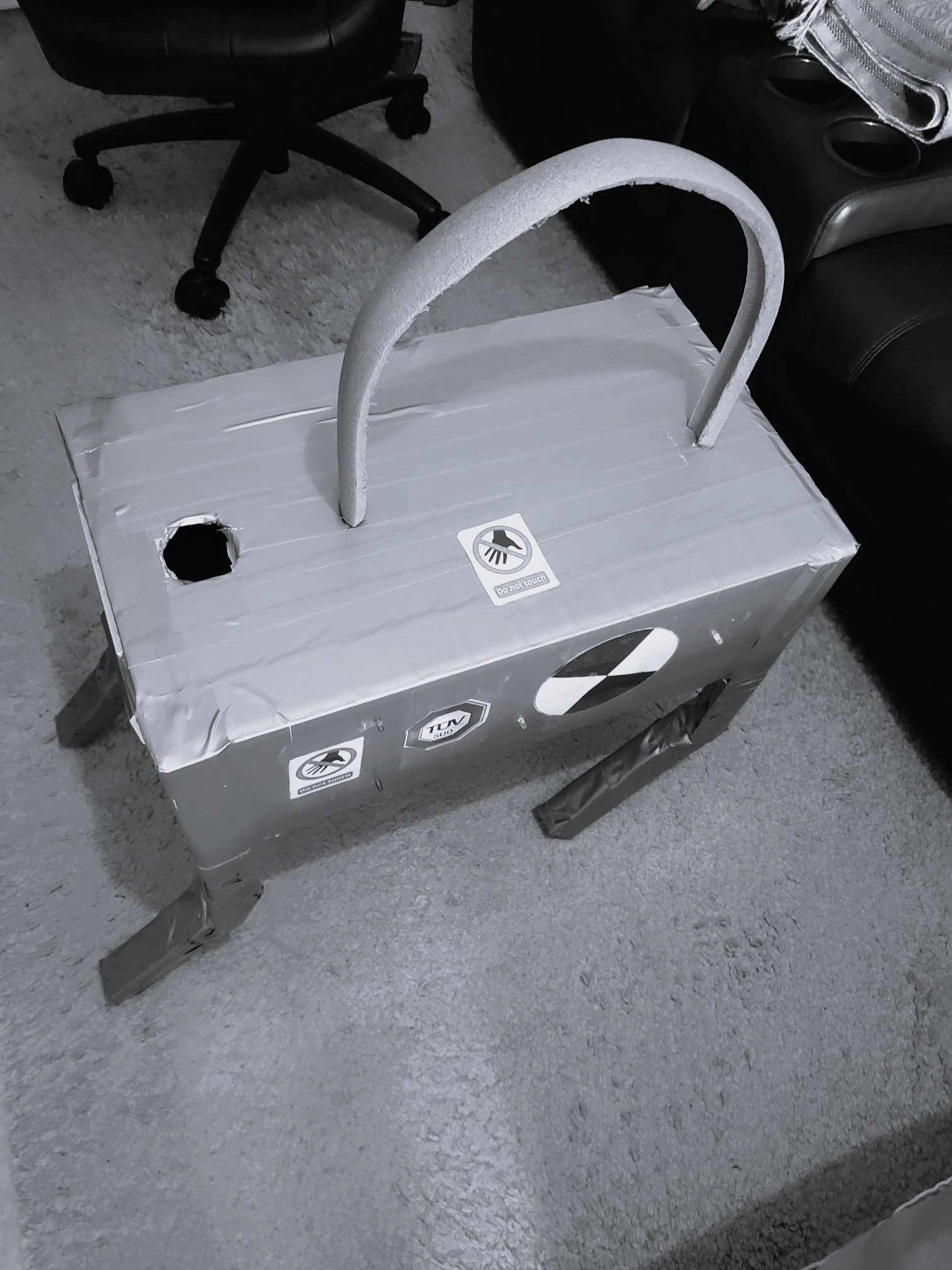
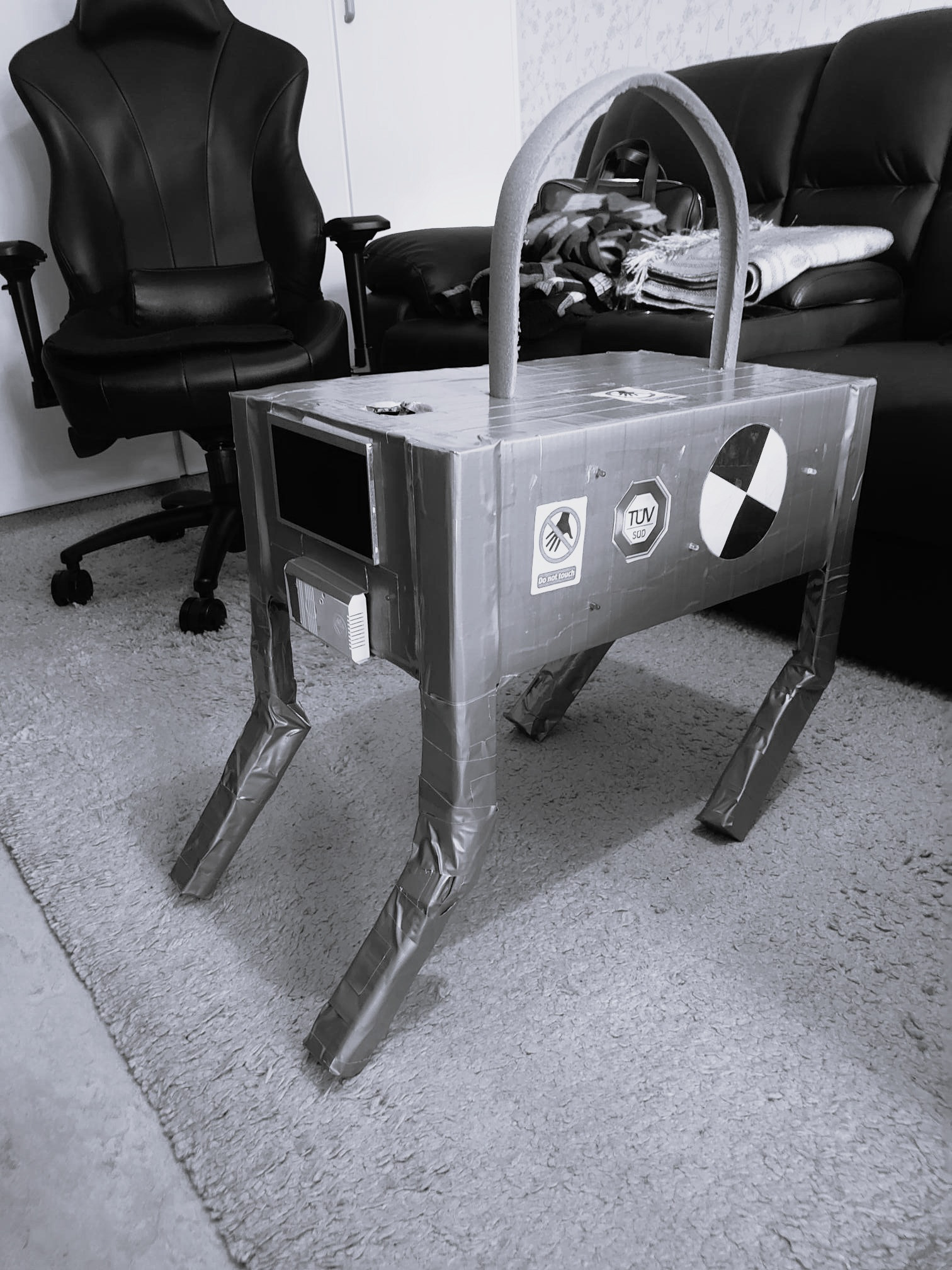
Final version of the Fetchbot prototype in the test room, ready for testing.
The solution
How I
solved it
In the first phase, I created the dashboard in Figma based on the requirements in the brief, while taking inspiration from the AI tool Lovable.
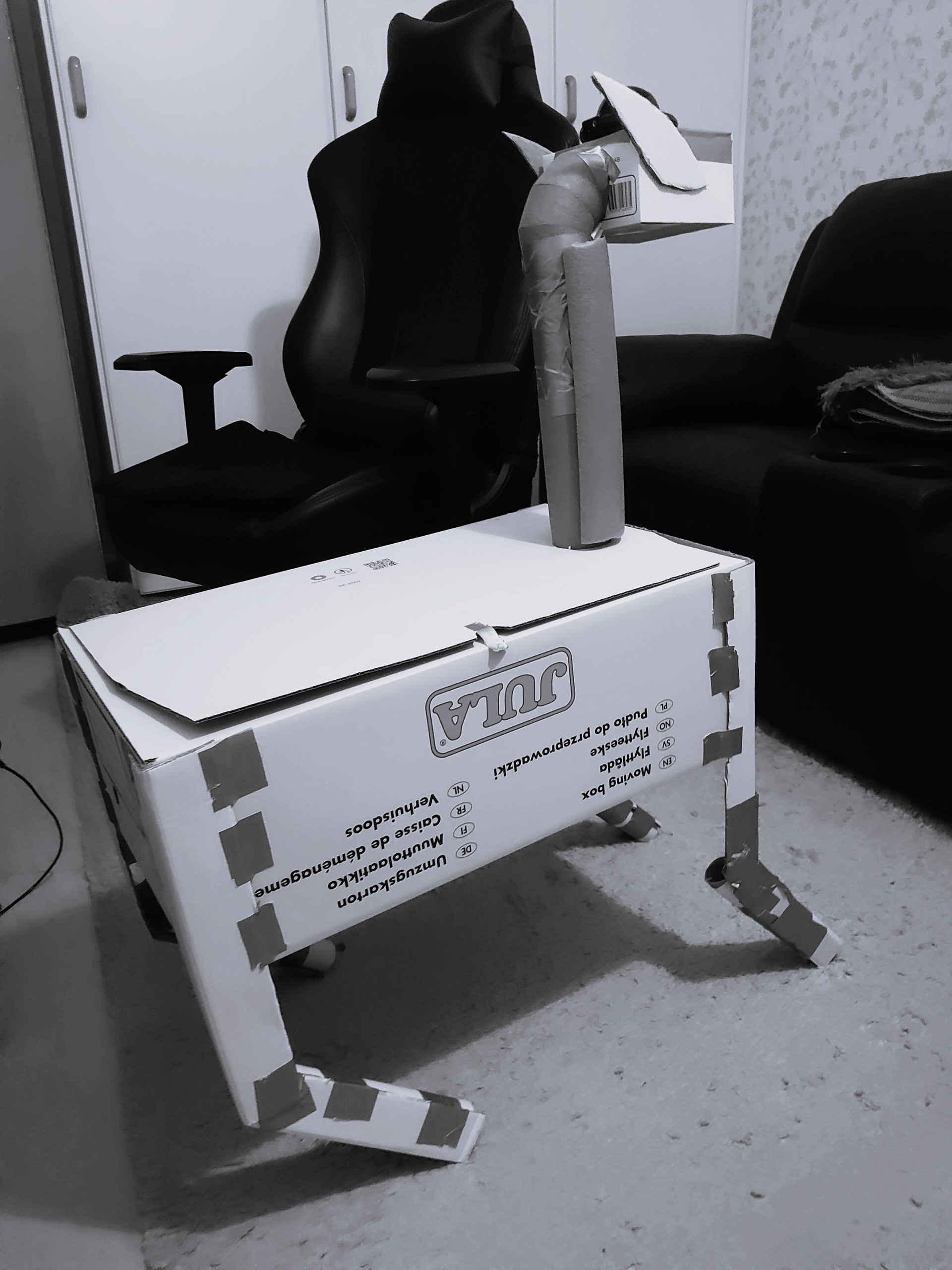
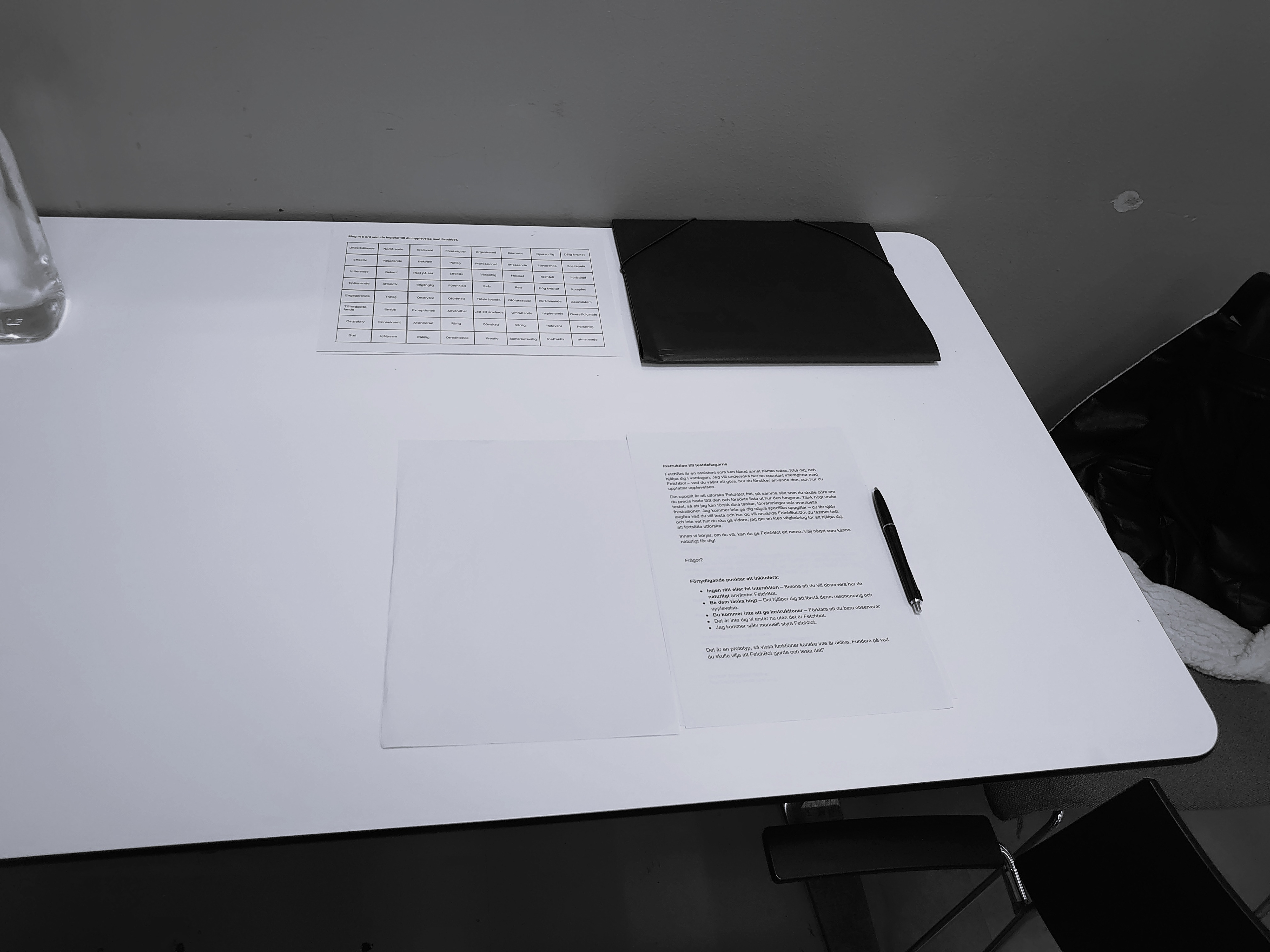
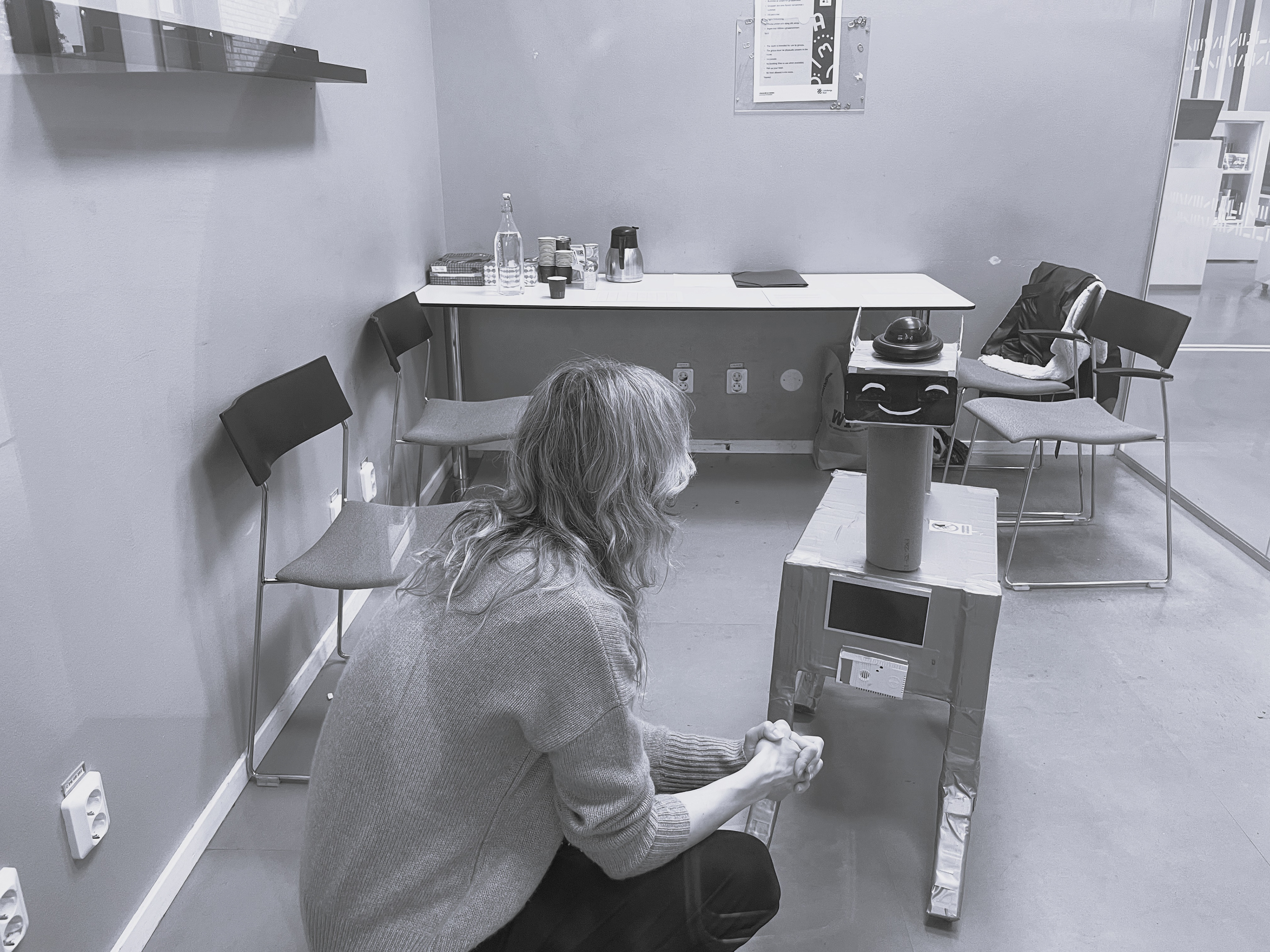
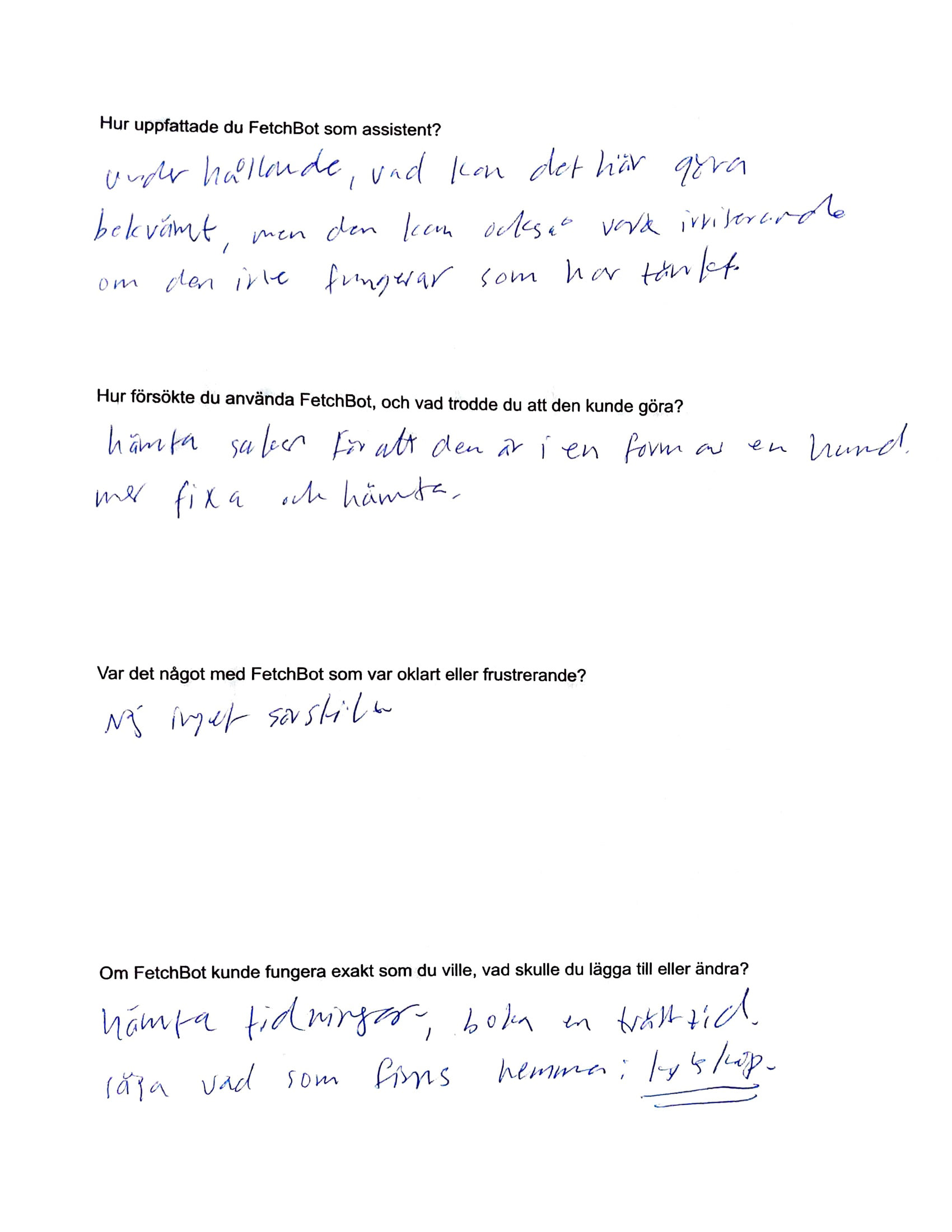
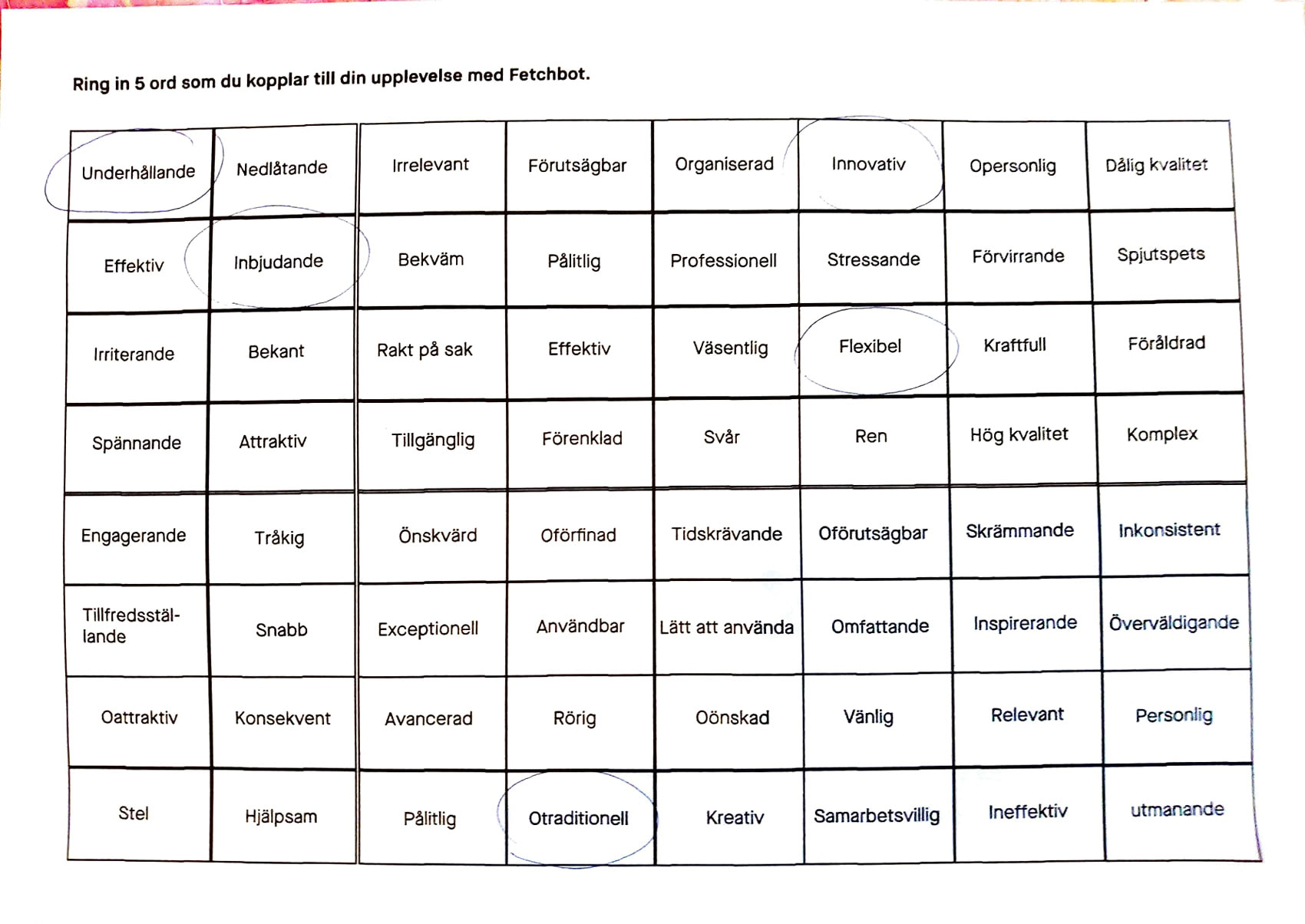
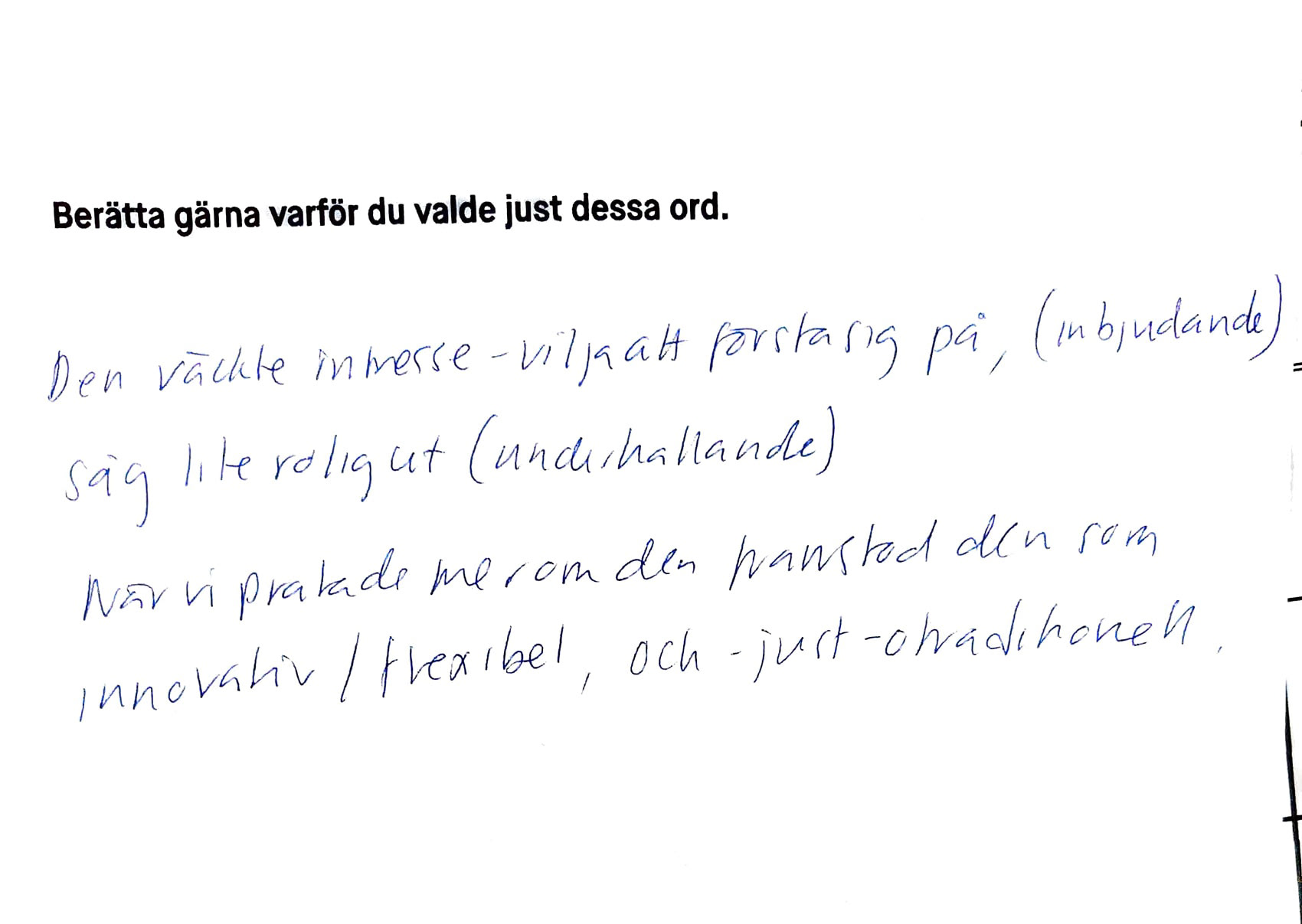
In the second phase, I built a physical prototype out of cardboard and used the Microsoft Reaction Cards and open ended questions to evaluate each user test.
The result
What I discovered
While four out of six participants found the product useful in daily tasks and expressed positive feelings toward it, two participants had negative reactions due to ethical concerns.
One participant noted, “I work in healthcare, and I have seen many instances where this type of robot has harmed patients in significant ways.”
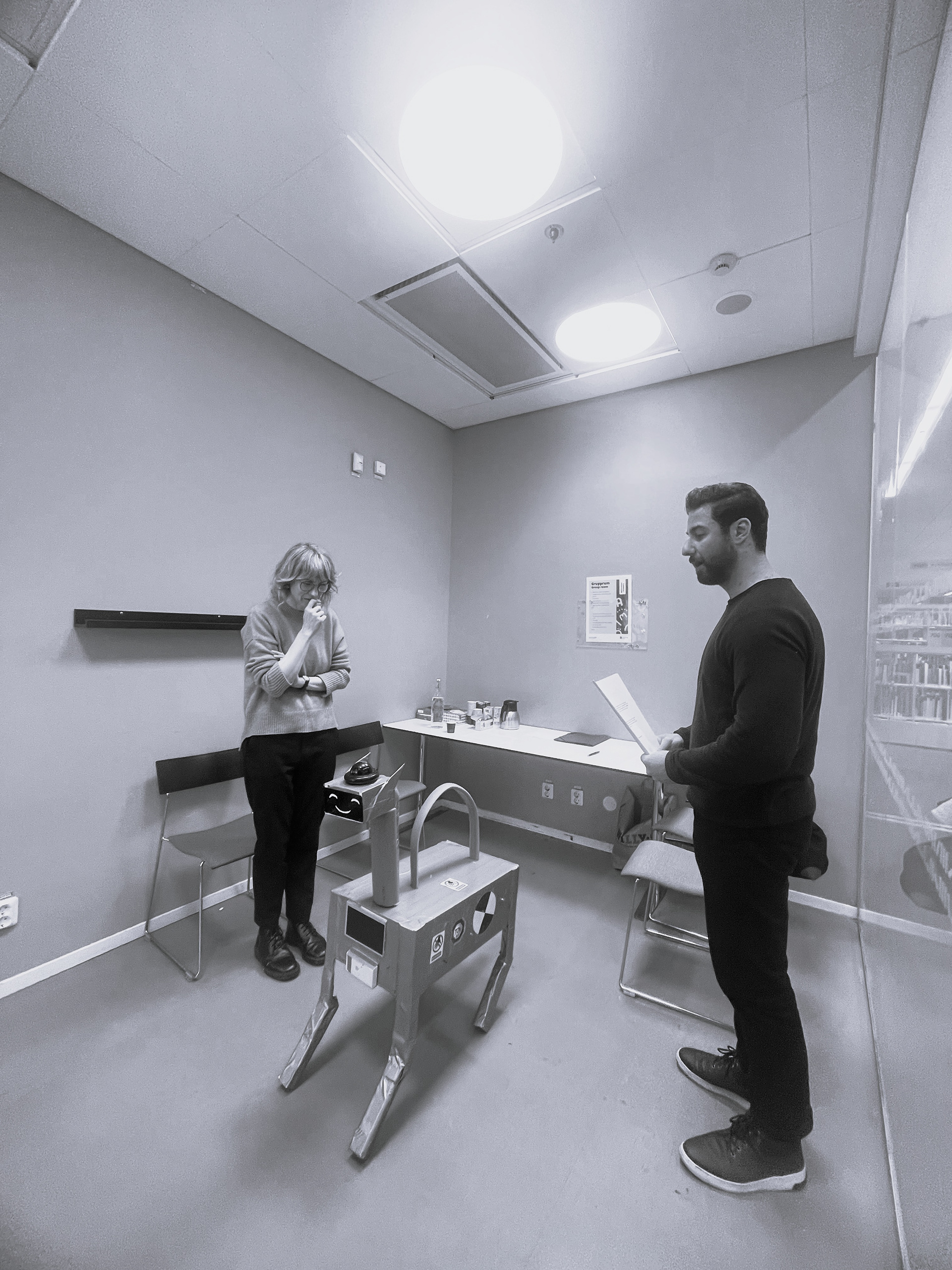
A participant interacts with the Fetchbot prototype during a user test, while I observe the session.
My
method
In the first phase, I took inspiration from the AI tool Lovable to work more efficiently and save time, especially since tools like Figma Make and Base44 were not available at that point in the project.
In the second phase, I chose to create a physical prototype, as we were testing the user experience and a hands‑on model allowed participants to better feel and interact with the product.
What I learned
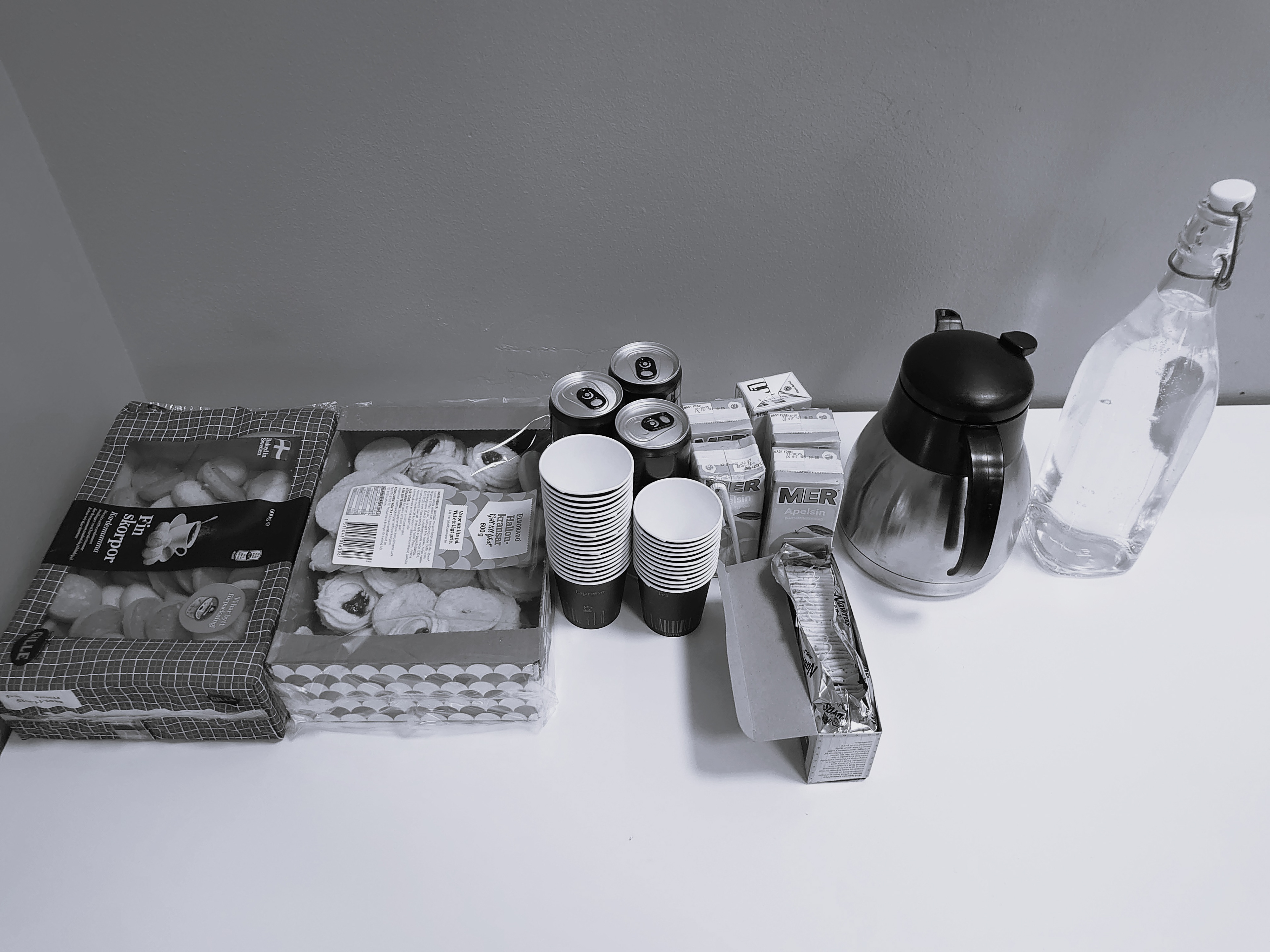
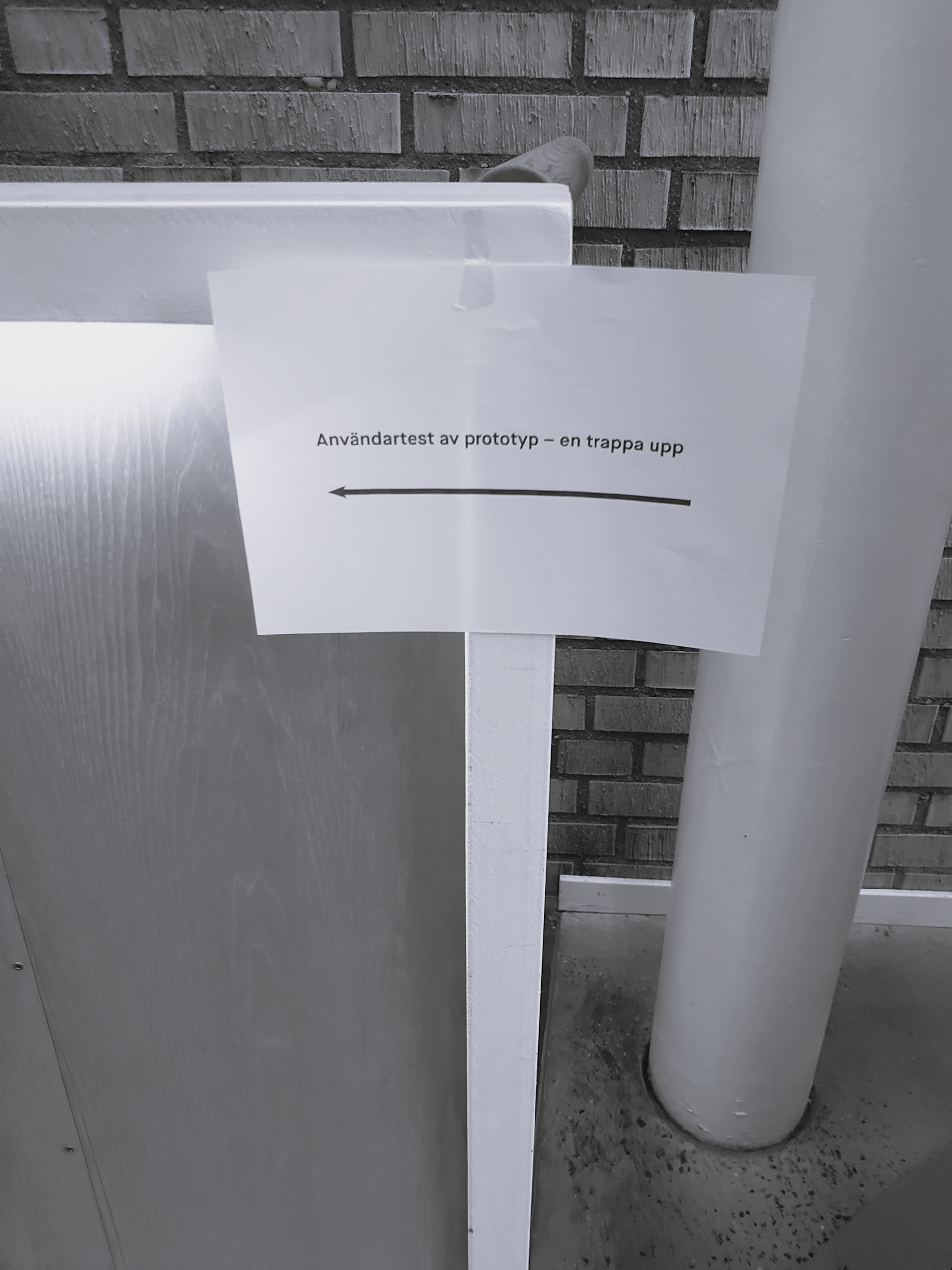
I conducted the tests at the Gothenburg Public Library to quickly find replacement participants if someone withdrew at the last minute.
While this was a good idea, it would have been ideal to test the product in its natural environment, the home, as that would have provided even better results and a more realistic experience.
Visualizing the process
Explore other projects